Fingerstyle bass, exposed
Transient detail, low-frequency shape, and tube behavior without fog.
Founder’s Tin Edition
Sounds great. Looks fishy.
All-tube direct injection, dressed for service and built for the session. A responsive signal path with openness and packaging mischief.
Includes 12 VDC universal-input adapter · Requires 48 V phantom
Hear it
Compare Osetra with familiar reference hardware, then hear it on its own across electric and acoustic instruments.
Transient detail, low-frequency shape, and tube behavior without fog.
Switch sources without losing your place in the performance.
How it’s made
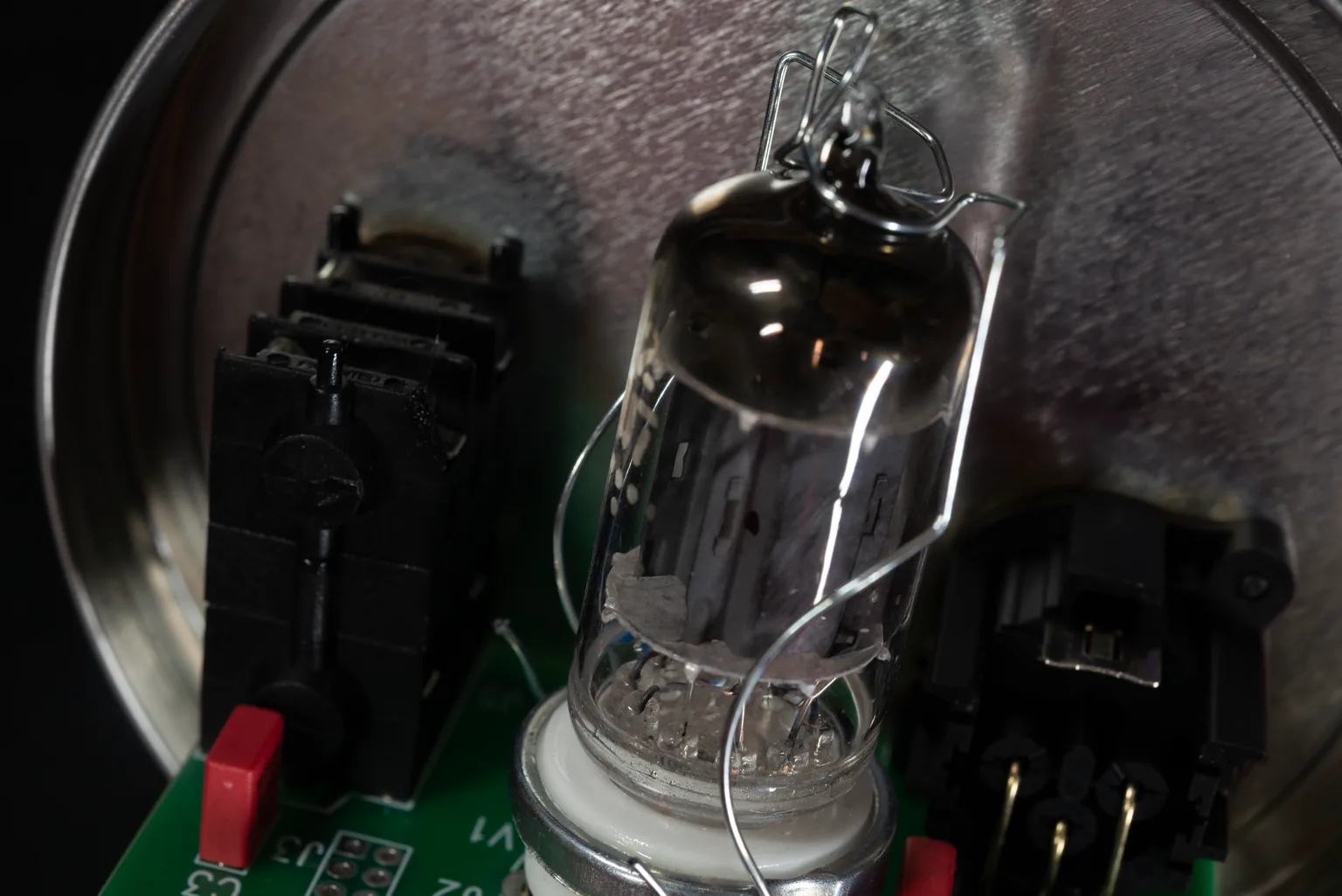
Engineering leads, with personality close behind. See the tube and board up close, then watch the laser turn a caviar tin into studio hardware.

Engineering
We could describe the sound all day. Have a look at the topology and the numbers.
“Extremely responsive and clean euphonic sound.”
| Product type | All-tube audio path direct box |
|---|---|
| Sound character | Extremely responsive and clean euphonic sound |
| Topology | Class-A, no loop-feedback, transformerless design |
| Frequency response | 4 Hz into the MHz range, only limited by the mic preamp |
| Instrument input impedance | 1 MΩ |
| Receiving mic-pre input impedance | 1.2 kΩ minimum |
| Adjustable input level | −∞ to +2 dB |
| Gain range | −∞ to +2 dB |
| Noise (EIN) | < −90 dBm |
| Connections | 1/4″ input · 1/4″ thru · Amphenol XLR output |
| Power (both required) | 12 VDC filament supply at 150 mA · 48 V phantom power |
| Included 12 VDC adapter | 90–250 VAC input · 3 W universal-input adapter |
| Dimensions / weight | 4.2″ diameter × 3.1″ height · 150 g |
All specifications are subject to change without notice.
Founder’s Tin
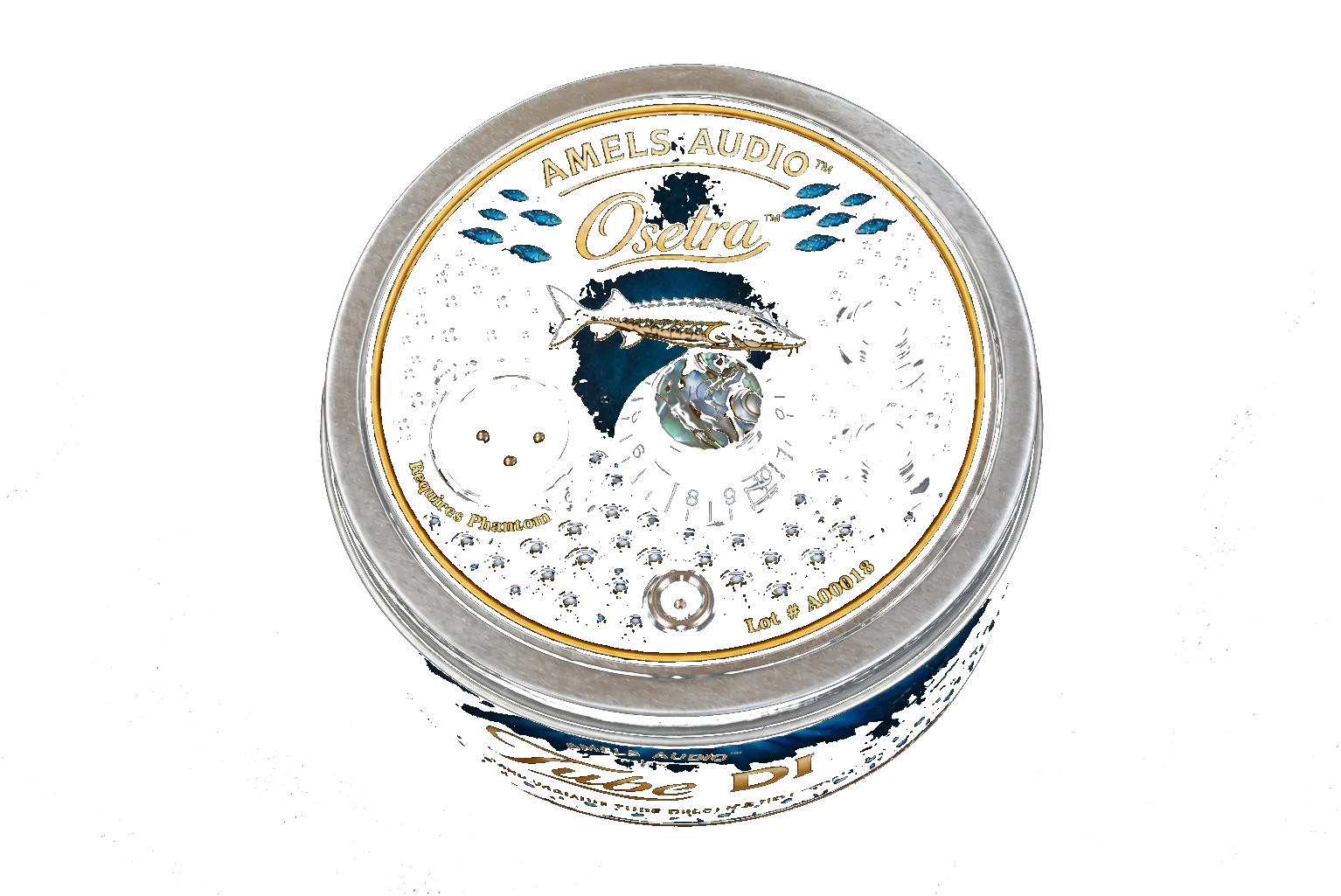
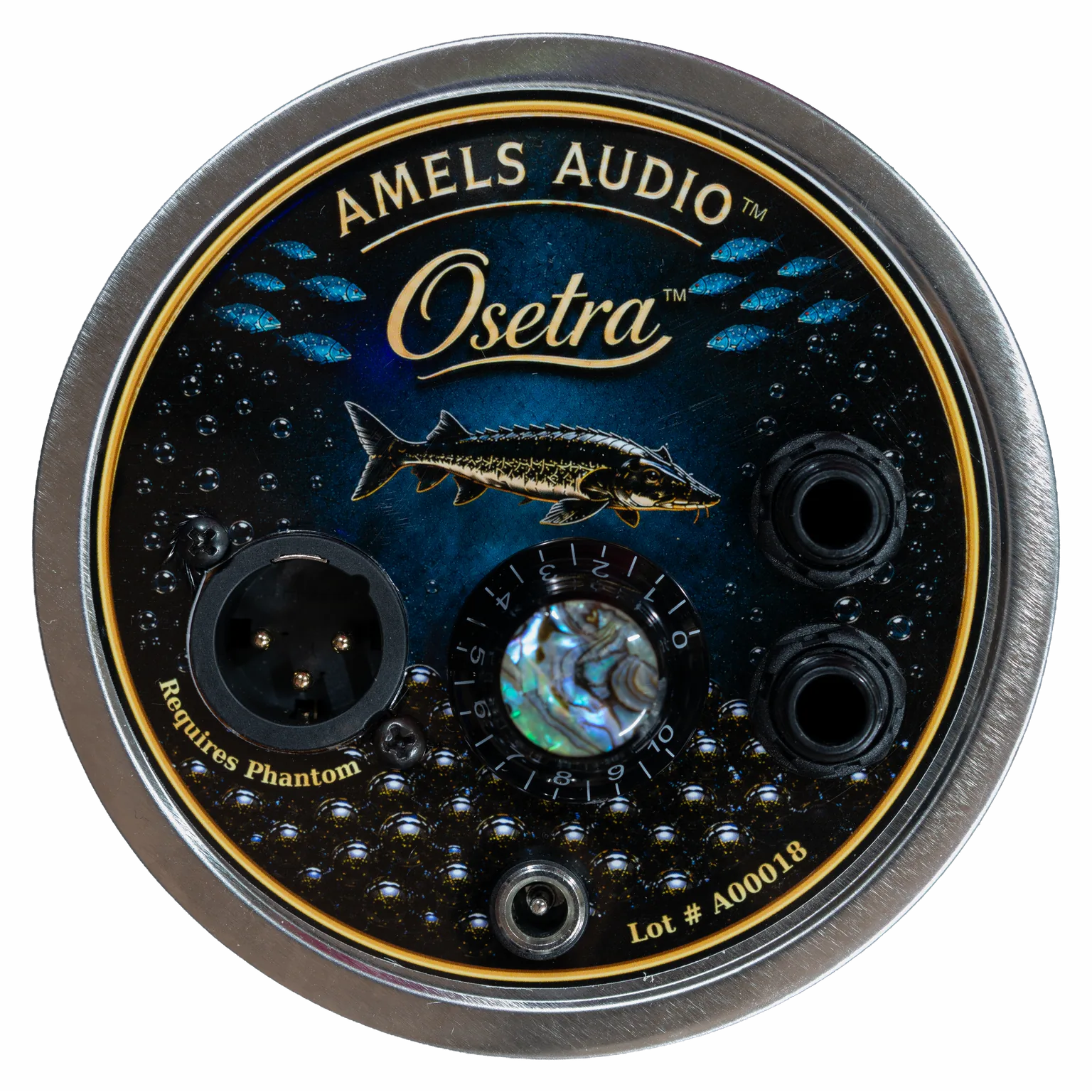
The first twenty Osetras are built into the object that inspired the name: a caviar tin. The sturgeon and its tiny “DI” egg are not a costume for the engineering, they are the wink that tells you a person made this.
Amels Audio continues Dave Amels’s decades of work designing electronic musical instruments, audio software, and analog recording equipment. Osetra brings that experience in circuit design, musical judgment, and professional studios to a compact tube DI.
The label is fun; the sound, serious.
Founder’s Tin Edition
Osetra is finished, direct-sale hardware—not a reservation, preorder, or waitlist.
Founder’s Tin Edition
Buy Osetra Secure checkout by Stripe.Quick start / manual
Before connecting Osetra, turn down channel gain and monitor gain, and turn phantom power off.
Connect your instrument to the Osetra 1/4-inch INPUT.
Connect the 12 VDC filament supply adapter to Osetra and plug the adapter into the mains voltage.
Allow approximately 30 seconds of filament warm-up for normal operation.
Connect the Osetra XLR OUTPUT to a microphone input on your mixer, preamp, or audio interface.
Ideally, enable 48 V phantom power after the 12 VDC filament supply is connected and powered.
Begin with the Osetra gain control turned down. Play normally and slowly increase the control to the desired level and character. Then adjust the receiving mic preamp as needed.
Amels Audio
Amels Audio is where Dave Amels builds hardware for musicians and recording studios. Osetra starts with an original direct-coupled tube circuit and gives it an enclosure with a sense of humor: a caviar tin.